Industries
HVAC AI Software
HVAC AI software keeps service calls, installs, and follow-ups organized across a busy schedule. HVAC workflow software and HVAC operations software help techs and dispatchers stay on the same page.
See BizCoorda in Action
Watch how a simple request turns into completed work using BizCoorda's HVAC AI software.
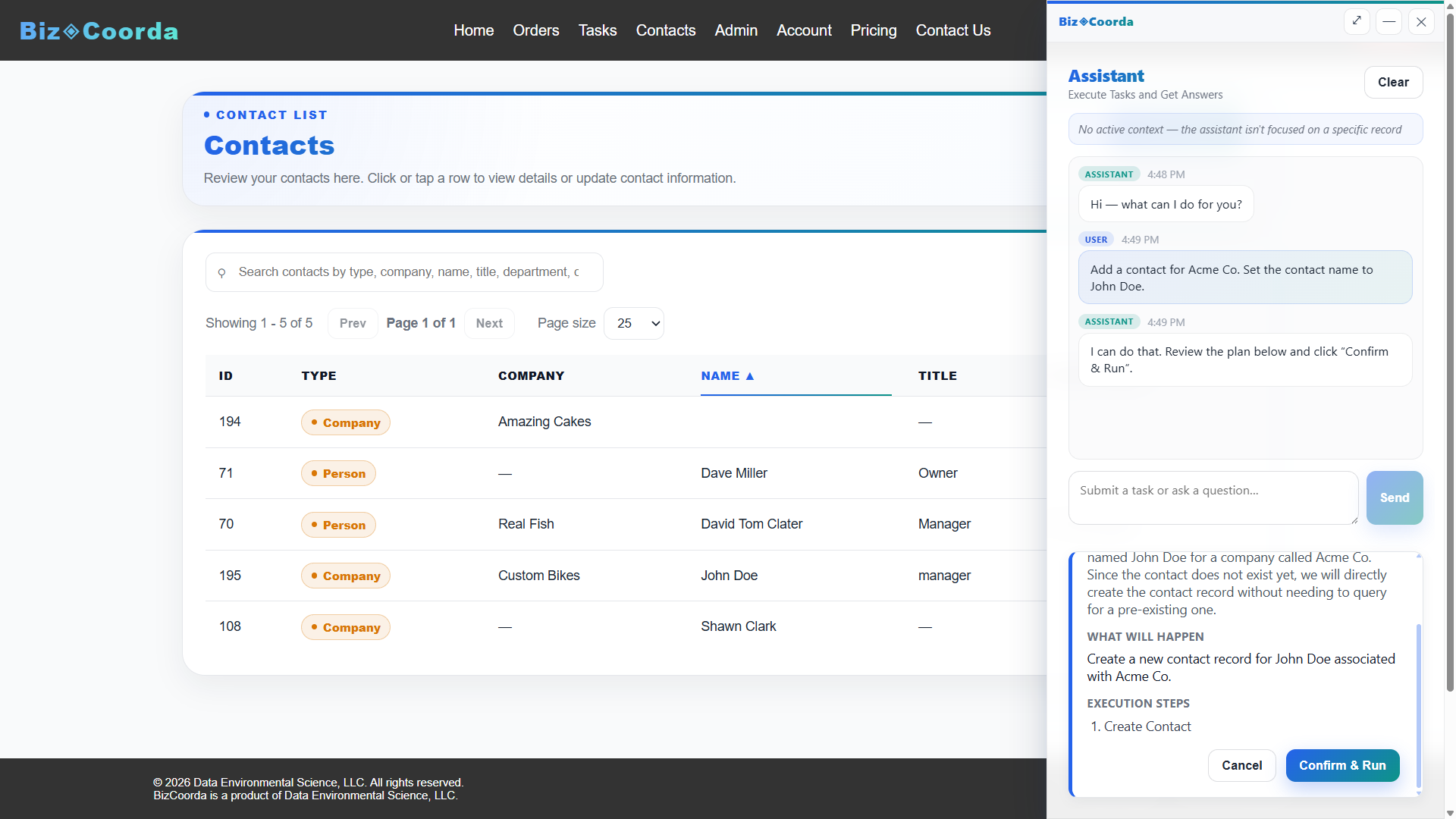
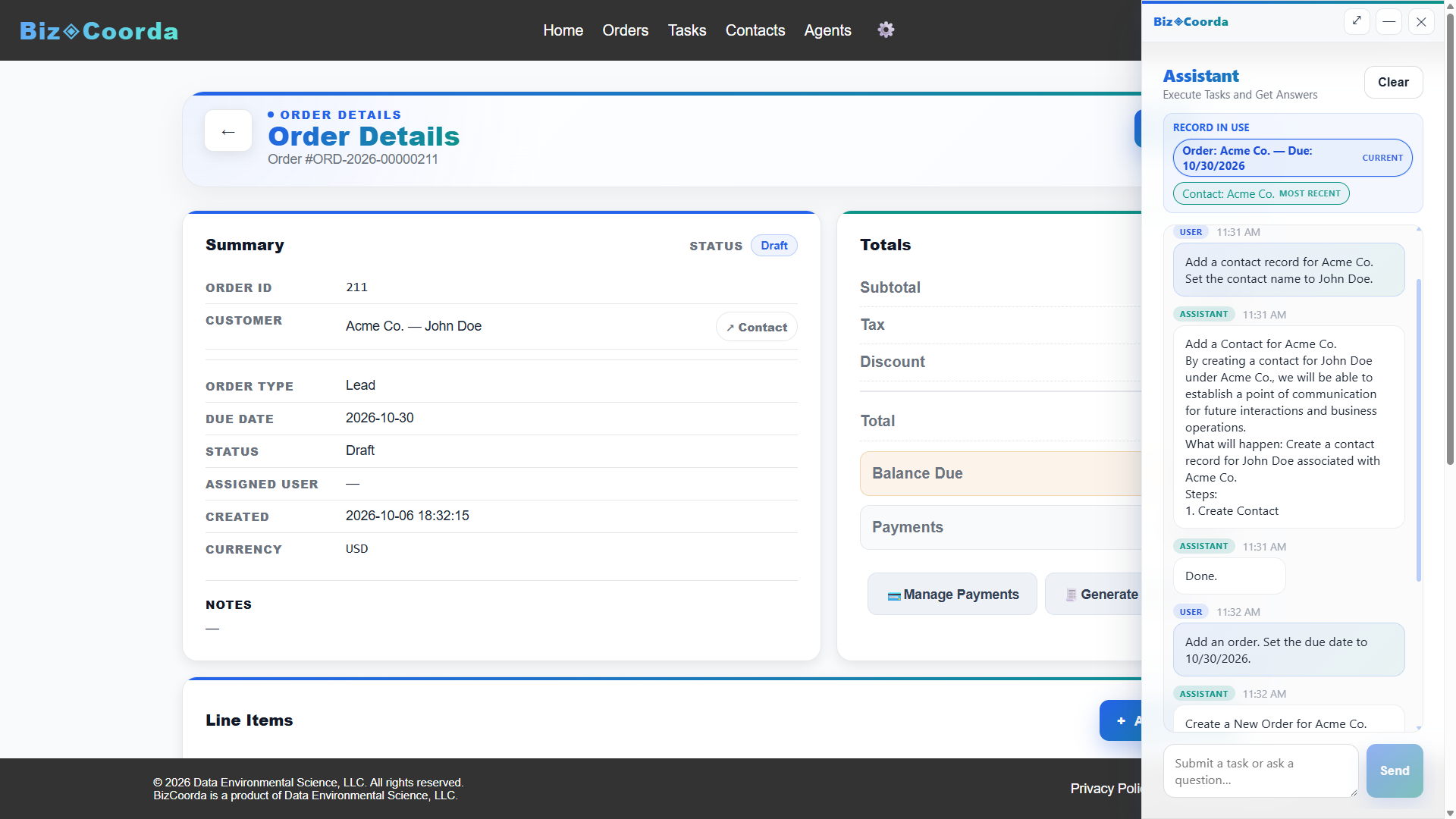
In this demo, BizCoorda's AI Assistant for Business understands a natural language request, creates a new contact record, and then creates a new order requested by the user—all through conversation. Rather than simply answering questions, the AI performs real business operations using AI Task Automation and AI Workflow Automation, turning a simple request into completed work.
Why HVAC Businesses Need Connected Software
HVAC work mixes scheduled maintenance, emergency calls, and installs — often on the same day. HVAC AI software can flag follow-ups like maintenance reminders and unresolved callbacks automatically.
HVAC Workflow Software From Quote to Completion
HVAC workflow software should move a job from quote to completion automatically, tracking service calls, installs, and maintenance without forcing every job through the same steps.
- ✓ HVAC workflow software for service calls, installs, and maintenance
- ✓ Jobs that move through their own steps, not a fixed template
- ✓ No re-entering the same job details across separate tools
HVAC Operations Software Connecting the Office and the Field
HVAC operations software needs to track scheduled maintenance, emergency calls, and installs without losing details between the office and the field.
What HVAC Businesses Need From Their Software
- ✓ HVAC operations software connecting the office and the field
- ✓ HVAC workflow software for service calls, installs, and maintenance
- ✓ HVAC AI software that flags follow-ups and callbacks
- ✓ One system instead of a paper schedule and separate invoicing
How BizCoorda Handles HVAC Work
- A service call, install, or maintenance request comes in
- HVAC workflow software applies the steps that job needs
- HVAC operations software keeps the office and field in sync
- HVAC AI software flags follow-ups and callbacks automatically
- Your team sees what's scheduled, what's done, and what needs attention
Frequently Asked Questions
What is HVAC AI software?
HVAC AI software uses AI to flag follow-ups, maintenance reminders, and unresolved callbacks automatically, instead of relying on manual checks.
What is HVAC workflow software?
HVAC workflow software moves a job from quote to completion, tracking service calls, installs, and maintenance through their own steps.
What is HVAC operations software?
HVAC operations software connects the office and the field, keeping scheduled maintenance, emergency calls, and installs in one system.
Keep Techs and Dispatchers on the Same Page
BizCoorda's HVAC AI software, HVAC workflow software, and HVAC operations software replace a paper schedule and separate invoicing with one connected system.
Watch the Full BizCoorda Demo
Watch how a simple request turns into completed work using BizCoorda's action-taking AI.
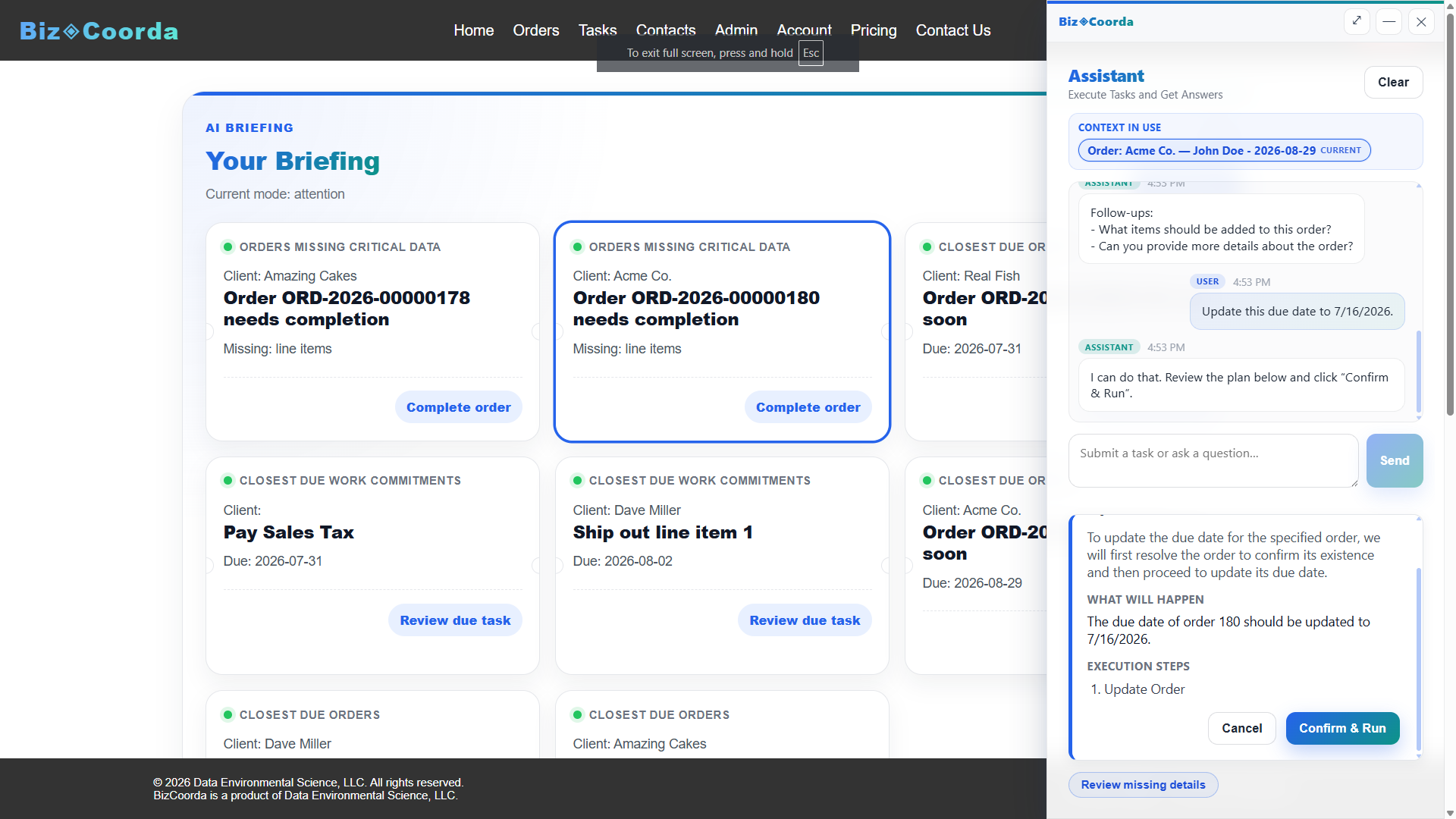
This full demo combines all of our individual demonstrations into a single walkthrough, showing how Operational AI helps businesses coordinate and complete real work. You'll see BizCoorda create contacts and orders through natural language, manage tasks and follow-ups, adapt to custom workflows, provide daily AI briefings and Business Notifications, and give administrators complete Operational Control over AI actions.